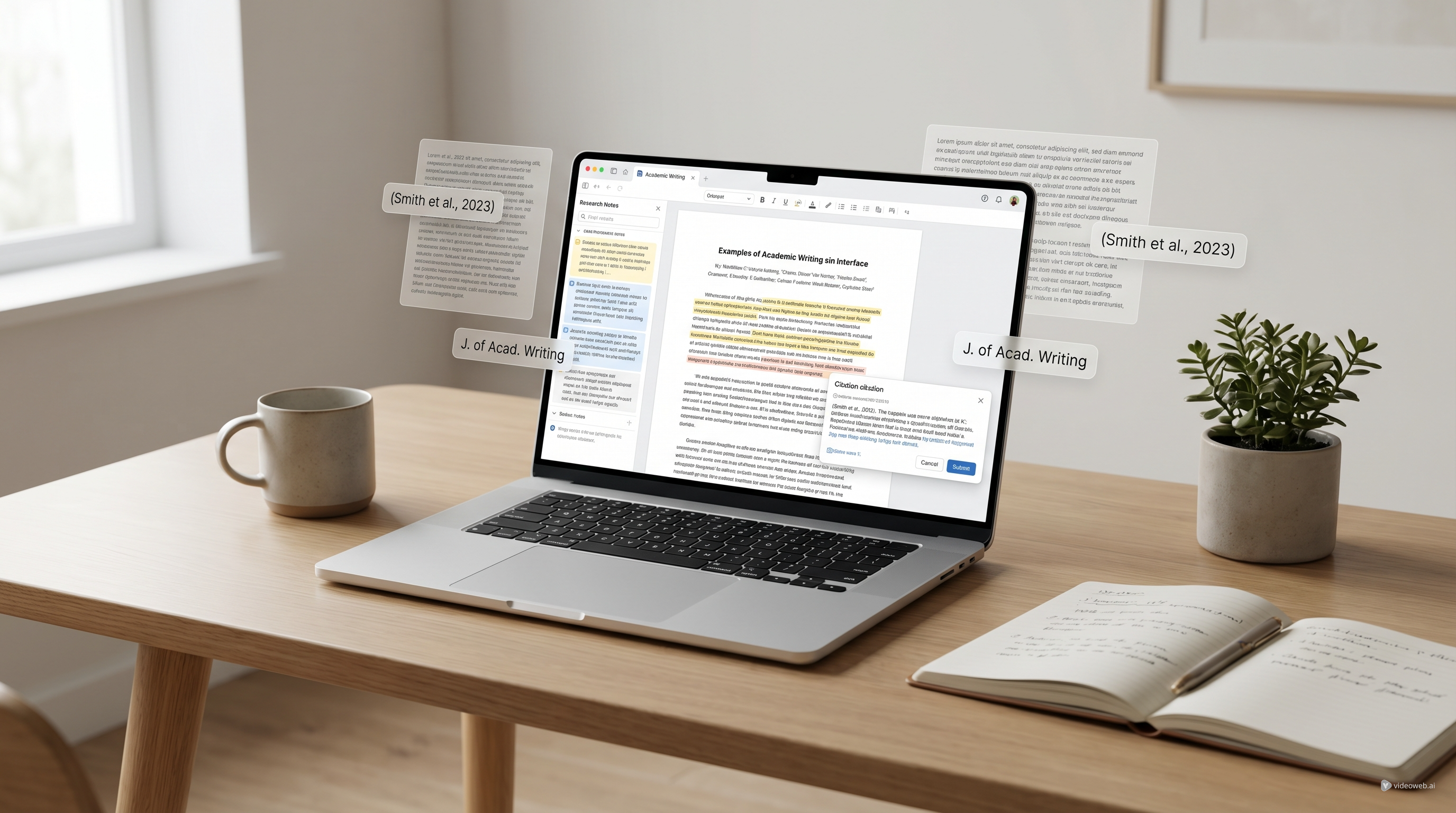
If you have spent any time searching for academic writing tools lately, Jenni AI has probably appeared more than once. It is marketed as an AI writing and research assistant for students, researchers, and academics, which already tells you something important: Jenni is not trying to be a general chatbot for everything. It is trying to be a writing-first workspace for source-heavy academic work.
That focus matters. A lot of AI tools sound impressive until you actually try to use them for a literature review, a class paper, or a draft that needs real citations instead of generic paragraphs. In practice, academic writing is rarely just “write faster.” It is also about keeping sources organized, reducing blank-page friction, checking phrasing, and staying inside a workflow that does not feel chaotic.
Jenni AI makes a strong case for itself in exactly that kind of environment. At the same time, it is not automatically the right fit for everyone. Some users will love the all-in-one academic editor approach. Others may realize they only need a lighter companion tool for rewriting, research support, or specific study tasks.
What Jenni AI is actually built for
Jenni AI is best understood as an academic writing assistant rather than a broad AI productivity app. Its main appeal is that it combines drafting help, citation support, PDF-based research assistance, and source management inside one writing environment.
That sounds simple, but it solves a real pain point. Many students and researchers still work across too many tabs at once: one place for PDFs, another for notes, another for drafting, another for citations, and often a chatbot window on the side. Jenni tries to compress more of that process into one place.
The feature set reflects that goal. It offers AI autocomplete to help you continue writing without constantly prompting from scratch. It supports in-text citations in thousands of citation styles. It can work with your uploaded PDFs, chat with research materials, and import research from tools like Zotero and Mendeley. It also supports exports in formats such as .docx, .tex, and .html, which is a practical detail for academic users who eventually need to submit, revise, or move drafts elsewhere.
That makes Jenni feel more like a dedicated academic writing assistant than a generic AI writing box.
Where Jenni AI feels genuinely useful
The clearest strength of Jenni is that it is designed for writing while you are already in the document.
That may sound obvious, but it is not how many people actually use AI today. A lot of tools still pull users into a prompt-answer-copy-paste loop. Jenni tries to reduce that by letting the assistance happen closer to the writing itself. Its autocomplete feature is especially useful for users who do not want full generated essays but do want help extending an idea, starting a sentence, or getting through the slow middle of a draft.
This is one of the places where Jenni can feel more practical than a general-purpose chat interface. If your biggest obstacle is not “I have no ideas” but “I know what I want to say, and I’m tired of forcing every paragraph into motion,” this kind of support makes sense.
The second major strength is citations. Jenni supports more than 2,600 citation styles, and that alone will appeal to anyone writing across journals, departments, or institutional formatting rules. More importantly, citations are not treated like a side feature. Jenni clearly presents them as part of the writing workflow, which is where academic users actually need them.
Its PDF and research features also add real value. You can upload papers, work from source material, and use AI chat to help understand or summarize research. For users working through literature reviews, thesis preparation, or evidence-heavy papers, this is much more useful than getting generic text from an AI that has no connection to the documents you are actually reading.
Import support for Zotero and Mendeley is another meaningful plus. A lot of academic users already have reading libraries and citation collections built elsewhere. Jenni’s import flow makes it easier to bring that work forward instead of rebuilding everything from scratch.
The kinds of users who will get the most from it
Jenni makes the most sense for people who write regularly and write with sources.
That includes students working on essays or capstones, graduate researchers managing lots of PDFs, academics drafting papers, and professionals producing reports that need cleaner structure and references. It is especially well suited for longer-form tasks where organization matters as much as generation.
For literature reviews, Jenni’s value is easy to understand. You are not just producing text; you are comparing findings, summarizing sources, linking arguments, and keeping references consistent. A tool that combines writing, citation handling, PDF support, and research imports naturally fits that kind of work.
It can also help with research papers and industry reports, where the problem is often not “Can AI generate text?” but “Can I maintain momentum while staying connected to sources?” Jenni is strongest when that is the question.
Where Jenni AI may feel like too much tool
Jenni’s biggest strength is also its biggest filter.
Because it is built as an academic writing workspace, some users will simply not need that much environment. If your real need is narrower, Jenni may feel heavier than necessary.
For example, if you mainly want to clean up a paragraph, simplify tone, or rephrase stiff wording, a focused AI rewrite tool may be faster and easier to use. If your goal is more about understanding concepts, checking work, or handling specific question types rather than staying inside a full writing editor, then a broader research assistant AI may be the better everyday companion.
There is also the usual caution that applies to all academic AI tools: convenience does not remove responsibility. Jenni may help you draft, paraphrase, organize, and cite, but it does not replace judgment. You still need to verify claims, check whether a citation really supports the sentence it follows, and make sure the final writing reflects your own reasoning.
That does not make Jenni weak. It just means it should be evaluated as a workflow tool, not as an automatic scholarship machine.
Pricing and value in plain language
Jenni’s pricing is easy to understand, which is refreshing.
The free plan is clearly a testing tier. It includes 10 AI autocompletes per day, 10 PDF uploads, 5 AI edits, 5 AI chat messages, and 3 reviews. That is enough to get a real feel for the interface, but not enough for sustained heavy use.
The Plus plan at $12 per month is the middle option and probably the most realistic one for recurring student use. It expands usage to 5,000 autocompletes per month, unlimited PDF uploads, 500 AI edits, 500 AI chat messages, and 10 reviews per month. It also adds full document export and access to newer features.
The Pro plan at $29 per month removes most major caps and is clearly aimed at heavier writers, repeat researchers, or users who want Jenni as a core part of their workflow rather than an occasional helper.
So is it good value? That depends less on the sticker price than on your writing habits. If you write source-based content often enough to benefit from the integrated environment, Jenni looks reasonably positioned. If you only need occasional polishing or task-specific help, a simpler toolset may be the more sensible choice.
The overall experience
Jenni’s strongest quality is not that it promises everything. It is that its focus is coherent.
The platform feels designed around a specific type of user: someone who wants help writing academic or research-heavy content without breaking the workflow into too many disconnected parts. Features like outline building, AI editing, multilingual support, dark mode, collaboration comments, and source imports all reinforce that identity instead of pulling in random extras.
That gives Jenni a more grounded feeling than many AI products that try to serve every audience at once.
Still, this is not a universal recommendation. People looking for quick study support, lightweight rewriting, or targeted task help may not need a full academic editor. In those cases, it can make more sense to combine smaller tools that do one thing well.
Final verdict
Jenni AI is one of the more clearly positioned academic writing tools available right now. Its strongest advantages are not flashy gimmicks but workflow decisions: AI autocomplete inside the draft, citation-aware writing, PDF-based research support, Zotero and Mendeley import, and practical export options.
That makes it a credible option for students, researchers, and academics who want an academic writing assistant rather than a general chatbot.
The main tradeoff is equally clear. Jenni is most valuable when writing is your central activity. If your needs are lighter or more specific, it may be smarter to use a focused tool instead of committing to a full writing workspace.
In other words, Jenni is easy to recommend to regular academic writers. It is less essential for people who mainly need occasional rewriting, concept clarification, or targeted study help.
If that sounds like you, it may be worth pairing or comparing Jenni with simpler alternatives before deciding which workflow actually fits your daily work.
Recommended Tools
- For broader everyday academic help, try AI Scholar GPT as a flexible academic research AI tool for study, research, and general writing support.
- For paragraph cleanup, tone adjustment, and natural rephrasing, use AI Rewrite Text as an AI text rewriter when you do not need a full academic editor.
- For equation-heavy coursework or technical problem solving, try AI Math Solver as a step-by-step math solver AI.
Related Article
- AI-Powered Research Assistants Explained: What They Do, How They Differ, and Where ScholarGPT AI Fits
- Gemini Deep Research: Review + Hands-On Guide for Faster, More Trustworthy Research
- Rewrite Text AI with Scholar GPT AI: A Practical Guide to Rewriting, Rephrasing, and Polishing Text
- ScholarAI Review: What It Does Well, Where It Stands Out, and When a Simpler Academic Toolkit May Fit Better
People Also Read
- How to Use DreamMachine AI's AI Video Generator: A Practical Guide for Text and Image Workflows
- Kling 3.0 Review: Is It the Right AI Video Tool, or Should You Start Simpler?
- WaveSpeedAI Review 2025: How It Compares to Other AI Generators
- SeaArt AI Video Generation: An Unbiased, Objective Review
- SeaImagine AI Text-to-Video Guide: How to Choose Models and Create Better Clips
- How to Turn Images Into Better AI Prompts with HeyDream AI